If this is your first visit, be sure to
check out the FAQ by clicking the
link above. You may have to register
before you can post: click the register link above to proceed. To start viewing messages,
select the forum that you want to visit from the selection below.
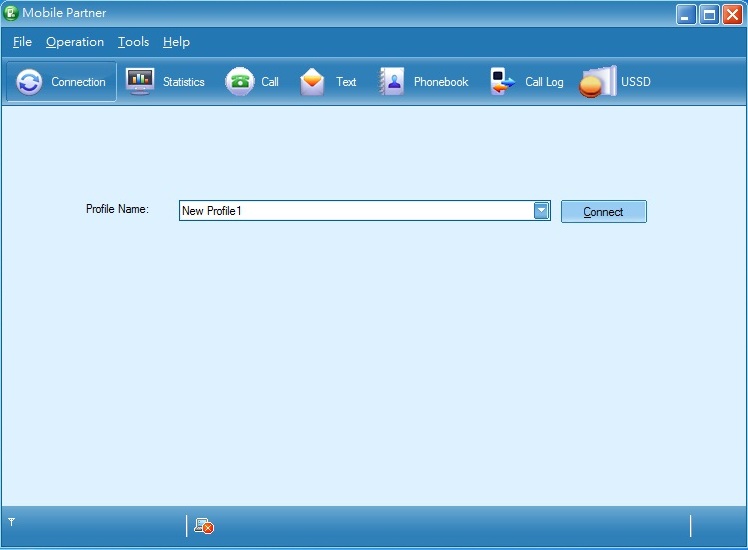
The modem device cannot be recognized now by Mobile Partner
I guess it is not unlocked!
If device is not recognized by software, it does not mean its not unlocked. It means there are no compatible drivers. I can suggest you 3 ways to fix the problem:
1. Install original (Vodafone) connection software, then install non-branded Mobile Partner software without uninstalling the Vodafone software. Then Mobile Partner should see your modem.
2. Install Mobile Partner software, then install drivers manually from modem. You can find them this way: Open My Computer, find your modem there (under CDROM drives). Right click on it > Open. Find "Drivers" folder. Install all installation files that you see in there.
3. Find and install newer version of Mobile Partner. Newer versions have more modem models drivers included.
If device is not recognized by software, it does not mean its not unlocked. It means there are no compatible drivers. I can suggest you 3 ways to fix the problem:
1. Install original (Vodafone) connection software, then install non-branded Mobile Partner software without uninstalling the Vodafone software. Then Mobile Partner should see your modem.
2. Install Mobile Partner software, then install drivers manually from modem. You can find them this way: Open My Computer, find your modem there (under CDROM drives). Right click on it > Open. Find "Drivers" folder. Install all installation files that you see in there.
3. Find and install newer version of Mobile Partner. Newer versions have more modem models drivers included.
thank you for you reply
I have tried
1) it don't work
2) i can find the drivers!!
3) not work
We process personal data about users of our site, through the use of cookies and other technologies, to deliver our services, personalize advertising, and to analyze site activity. We may share certain information about our users with our advertising and analytics partners. For additional details, refer to our Privacy Policy.
By clicking "I AGREE" below, you agree to our Privacy Policy and our personal data processing and cookie practices as described therein. You also acknowledge that this forum may be hosted outside your country and you consent to the collection, storage, and processing of your data in the country where this forum is hosted.

 Tweet
Tweet
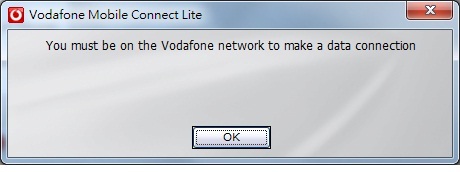
 Problems in using Vodafone E272


Comment