Unconfigured Ad Widget

Collapse

Announcement

Collapse
No announcement yet.

U7519 how to unlock, server is down? and always say diagnostic not found

Collapse
X
 
  • Filter
  • Time
  • Show
Clear All
new posts

  • U7519 how to unlock, server is down? and always say diagnostic not found

    Hello DC team I ttying to unlock this Huawei U7519 but with so many reading of correct way to unlock this model but until now alway say " DIAGNOSTIC NOT FOUND "

    I have always problem detecting the U7519...

    what is the problem... and the server now is DOWN???
    please verify and let me know what is the problem on this unlocking process

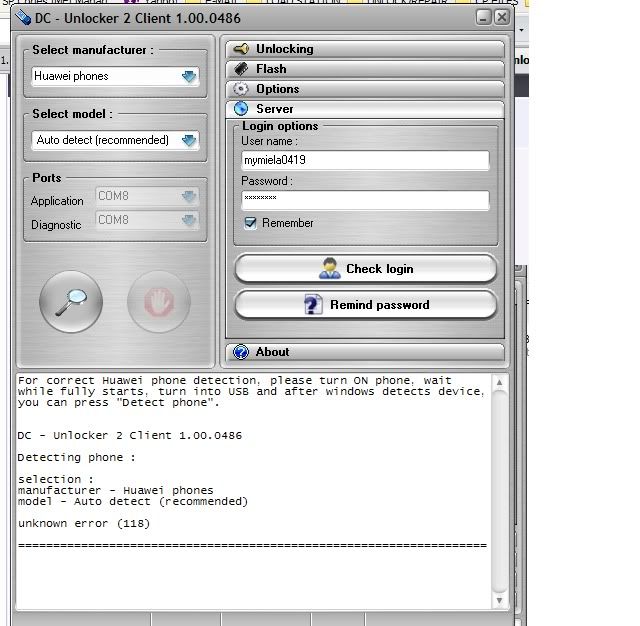
    here is the screen shot you will see that the server is down.
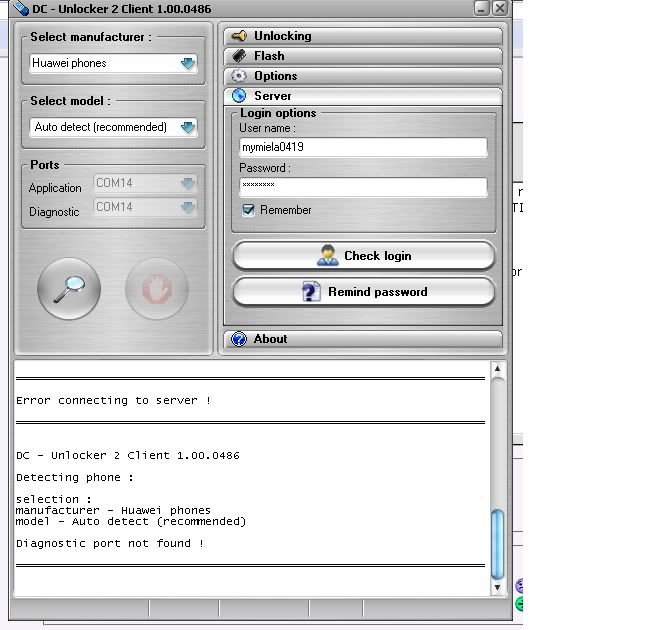
    Last edited by mymiela0419; 2010-05-03, 08:02 AM.

  • #2
    DC- team as you can see in this picture that I tried with manual detection but still cannot be detected via DC-unlocker...

    Any more Idea why DC-unlock er cannot dectect it?

    Comment


    • #3
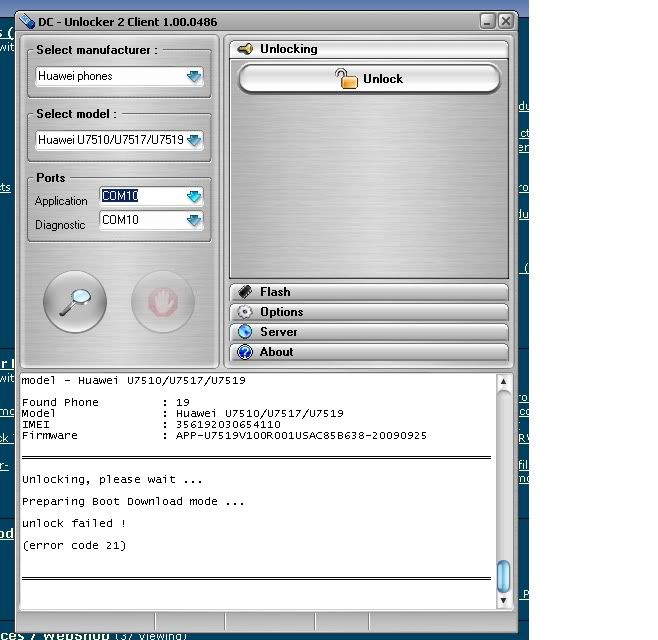
      Now I got it detected but still cannot be unlock...

      please help...

      Comment


      • #4
        Close pc suite, detect by autodetect and there should be no problems then. " DIAGNOSTIC NOT FOUND " is not server error. It means something is taking the port. In this case it is pc suite. Close it before unlock.

        Comment


        • #5
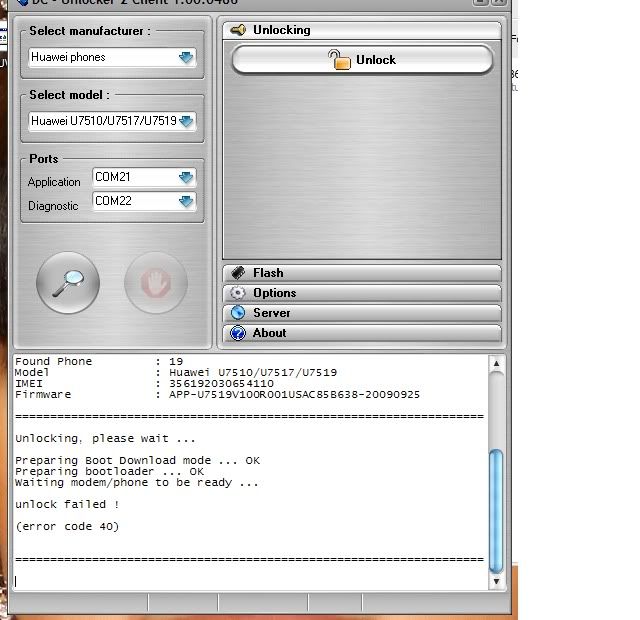
          I think DC-unlocker has a server problem...

          As you can see I made through unlocking process but went error...
          Please check server side!

          on this process the screen stayed on purple screen only...

          Last edited by mymiela0419; 2010-05-03, 07:49 PM.

          Comment


          • #6
            Then I tried again and again to be detected from my other computers all with error 118... cannot be detect anymore


            Please check server side... I been trying this to unlock since yesterday

            Comment


            • #7
              Could you check, if your antivirus or any other software is not blocking dc-unlocker? Try to dissable it. This may cause error 118. Detect phone by autodetect.

              Comment


              • #8
                Anti-virus is OFF and yes, I use auto-detect mode.
                I will try to restart computer then wait for me in 30 mins now and will test again!

                Comment


                • #9
                  Now is good after restarting computer, thank you

                  ================================================== =================


                  DC - Unlocker 2 Client 1.00.0486

                  Detecting phone :

                  selection :
                  manufacturer - Huawei phones
                  model - Auto detect (recommended)

                  Found Phone : 19
                  Model : Huawei U7510/U7517/U7519
                  IMEI : 356192030654110
                  Firmware : APP-U7519V100R001USAC85B638-20090925

                  ================================================== =================

                  Unlocking, please wait ...

                  Preparing Boot Download mode ... OK
                  Preparing bootloader ... OK
                  Waiting modem/phone to be ready ... OK

                  Phone successfully unlocked !

                  Credits left : 0

                  Please unplug and restart phone !

                  ================================================== =================

                  Comment


                  • #10
                    Thank you for good news.

                    Comment

                    Working...
                    X