
 Tweet
Tweet
Problem: Locked To Optus Australia
Solution: Openline/Unlock
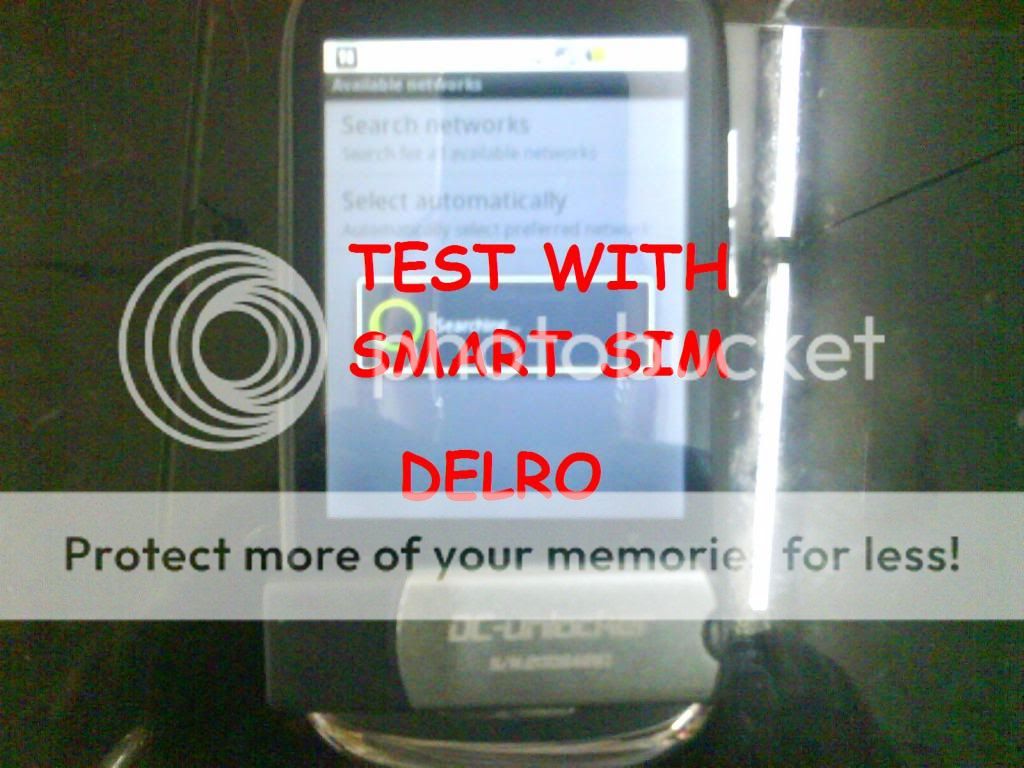
Tools: Phone, USB Micro Cable, DC Unlocker, Internet Connection
Procedure:
1. Power Off Phone
2. Hold Volume down + Home Button + Power Button
3. Be sure that it will hang on, for Optus, it will hang on the Sand glass hour
4. connect phone and install android driver (same driver with IDEOS U8160)
5. Open Dc Unlocker software, Search and Unlock via server
NOTE:
2 credits for dongle user
10 credits for software user
Price matter


Solution: Openline/Unlock
Tools: Phone, USB Micro Cable, DC Unlocker, Internet Connection
Procedure:
1. Power Off Phone
2. Hold Volume down + Home Button + Power Button
3. Be sure that it will hang on, for Optus, it will hang on the Sand glass hour
4. connect phone and install android driver (same driver with IDEOS U8160)
5. Open Dc Unlocker software, Search and Unlock via server
NOTE:
2 credits for dongle user
10 credits for software user
Price matter


Comment