Unconfigured Ad Widget

Collapse

Announcement

Collapse
No announcement yet.

ZTE T106 phone how to detect for unlocking! need help

Collapse
X
 
  • Filter
  • Time
  • Show
Clear All
new posts

  • ZTE T106 phone how to detect for unlocking! need help

    hi everyone!

    can anyone help on how to detect ZTE T106 lock to Telstra provider?

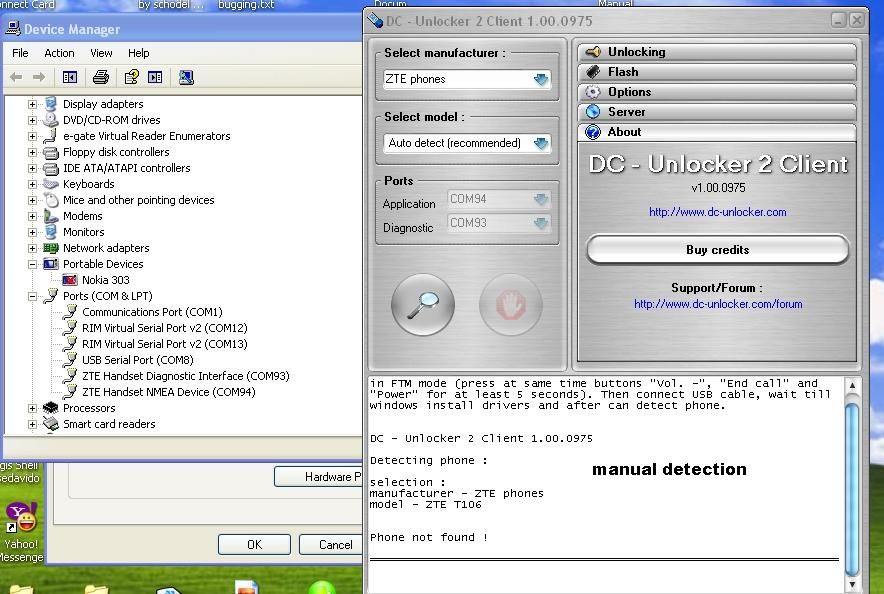
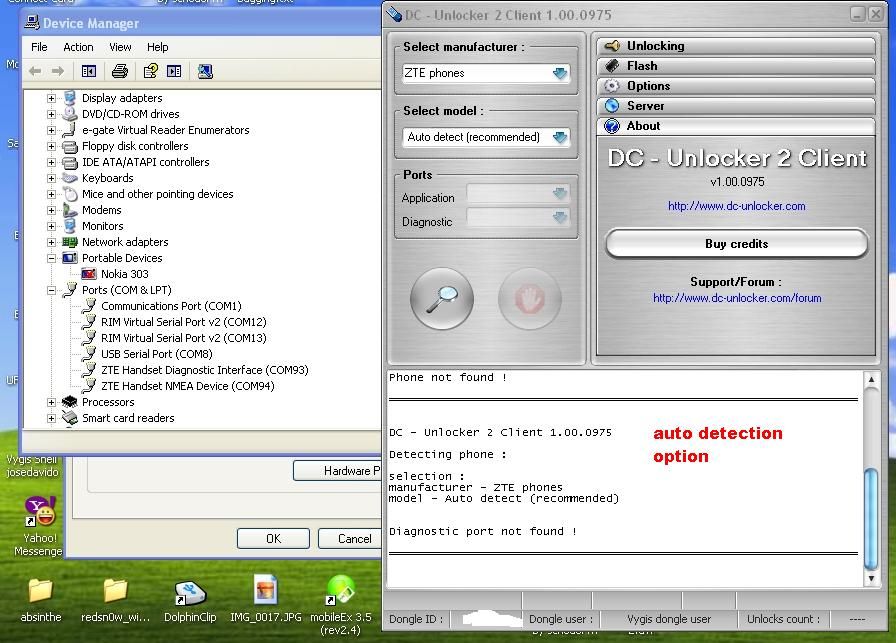
    i have usb cable. i can found diagnostic on device manager but when i try to detect automatic or manual phone cant detect.

    i am a vygis user activated with dc unlocker!

    here are some screenshot!

    Manual detection mode


    Automatic detection mode
  • #2
    up this thread!

    help me how to unlock ZTE T106 phone

    Comment


    • #3
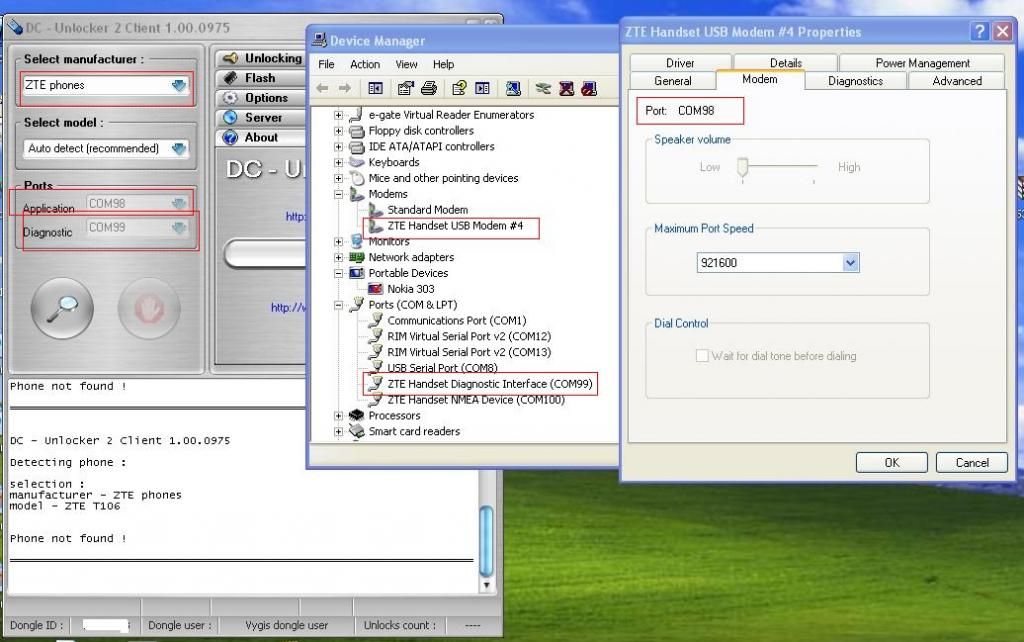
      Open "Modems" section in Device Manager. Find your ZTE device there. Right click on it > Properties > Modem. Find what COM port does it use.
      This will be your Application COM port that you have to select in DC-Unlocker software.
      Use diagnostic port as COM93.

      Comment


      • #4
        thank you sir for your reply!

        i followed your instruction sir but still cant detect the unit!


        any tricks or any button to press to detect the unit for unlocking?


        please help me guys

        Comment


        • #5
          Originally posted by tekamots View Post
          thank you sir for your reply!

          i followed your instruction sir but still cant detect the unit!


          any tricks or any button to press to detect the unit for unlocking?


          please help me guys
          Try to uninstall all ZTE devices using this software - http://www.dc-unlocker.com/downloads/get/C2wkt6d
          Then install only this phone drivers and repeat detect/unlock again.

          Comment


          • #6
            still no luck sir!

            we try also in other gadget but still same we cant detect the phone!

            thanks for your effort sir....

            the phone done by RTO "Return To Owner"

            thanks and Godbless!

            please close the thread!

            better luck next time!

            Comment

            Working...
            X